Computer Monitor · RANK 06

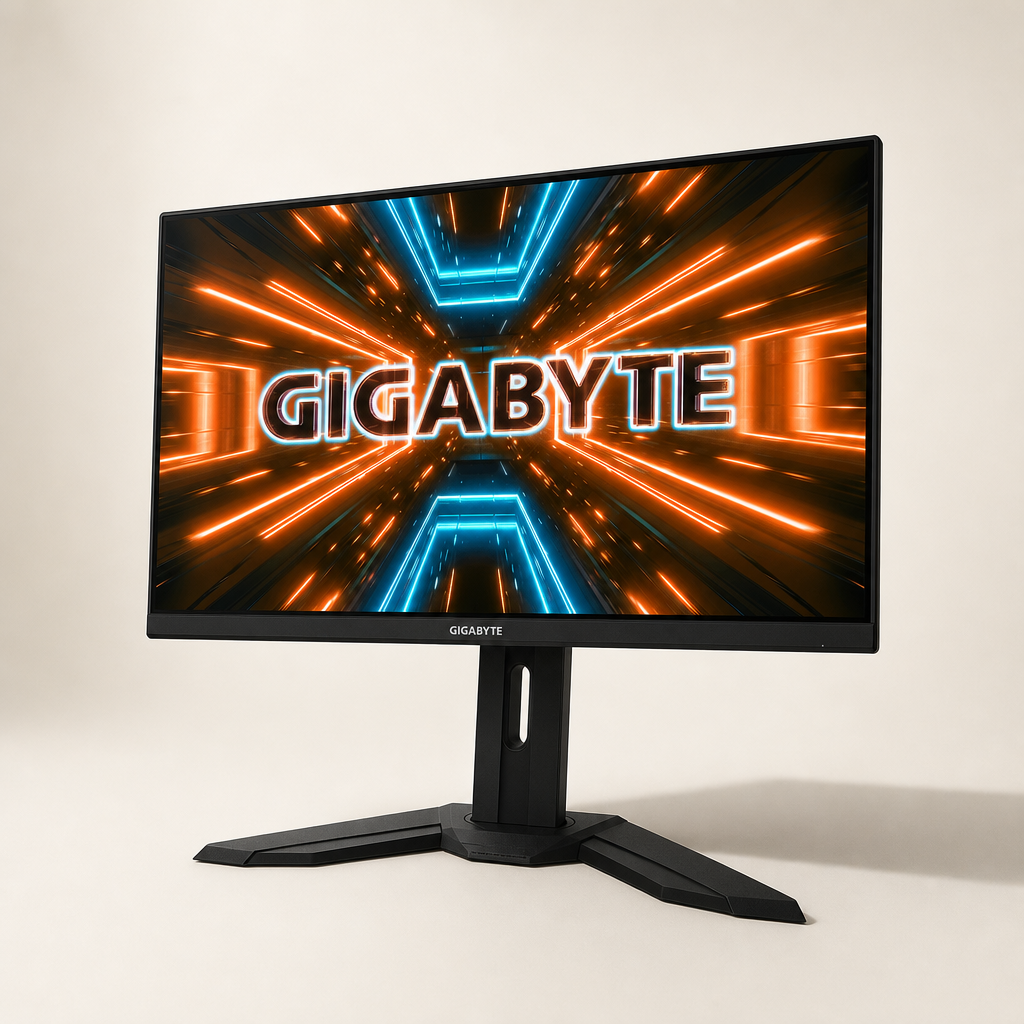
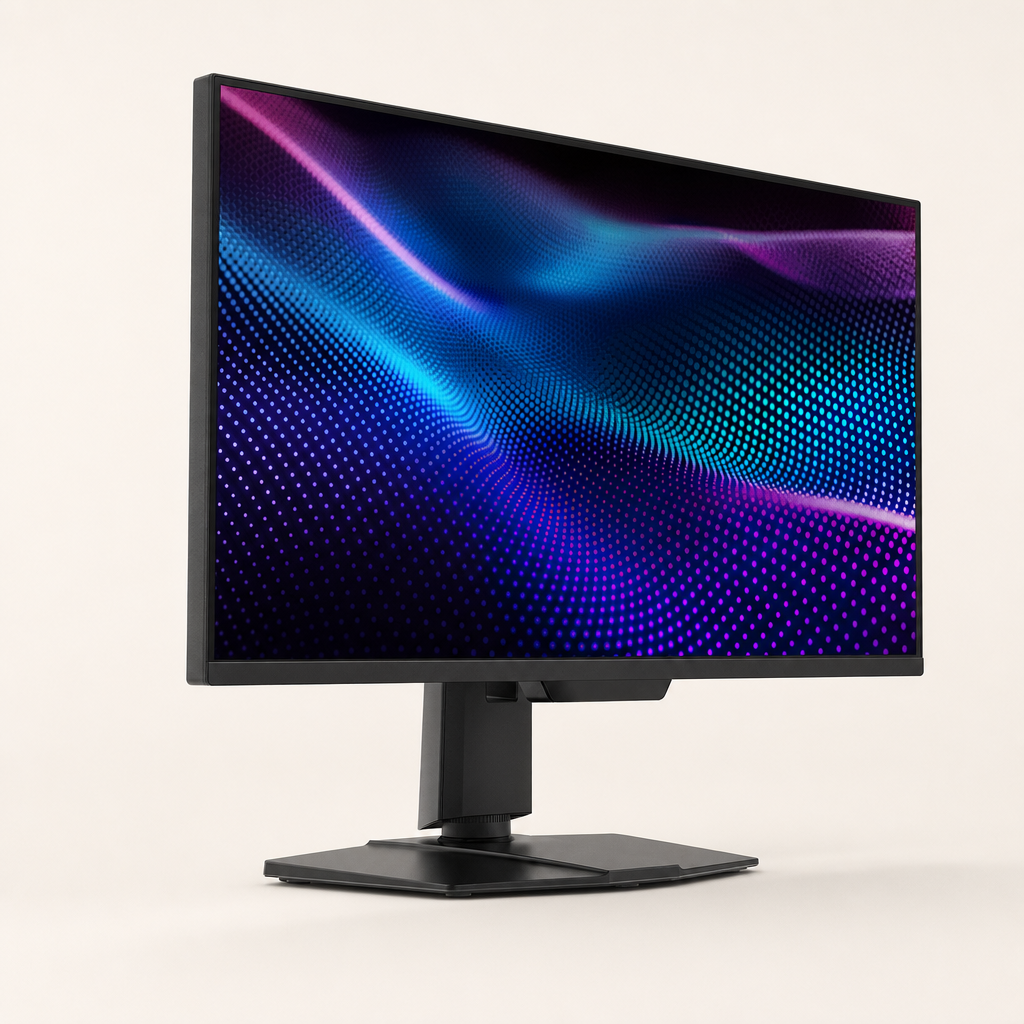
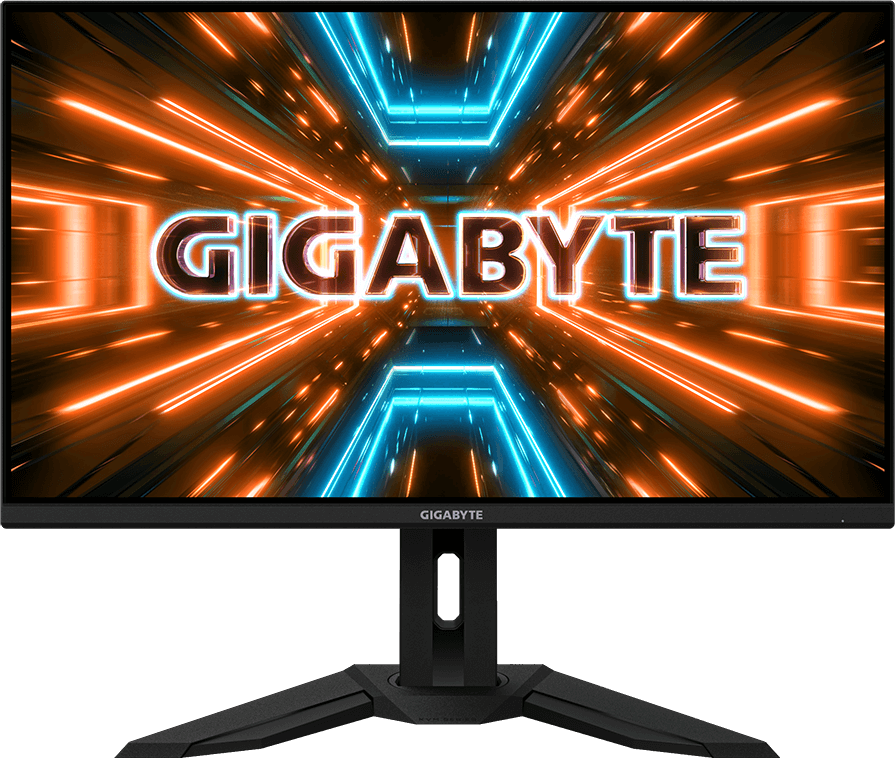
Gigabyte Gigabyte M32U — Computer Monitor

Gigabyte

Gigabyte M32U

The M32U’s long-running appeal is functional: 32-inch 4K/144Hz IPS, two HDMI 2.1 inputs, KVM, USB hub and useful ergonomics without Aorus cosmetics. P (Fast IPS LCD, High-impact matte plastic) — $550

$550 typical

Check availability

Direct link to gigabyte.com · no affiliate tracking

EDITION 01RESEARCHED 2026-07-142 SOURCESREFRESH DUE 2027-01

SUBSTANCE SCORES

substance7.3/ 10
design5.5/ 10
value6.0/ 10

WHY THE PRICE IS JUSTIFIED

The M32U’s long-running appeal is functional: 32-inch 4K/144Hz IPS, two HDMI 2.1 inputs, KVM, USB hub and useful ergonomics without Aorus cosmetics. Pay near $500–$550; above $650, newer mini-LED and OLED choices erode its value.

MATERIALS

Display panelFast IPS LCD

Provides sharp 4K detail, good angles and low dark smearing.

HousingHigh-impact matte plastic

Avoids cosmetic cost while remaining rigid enough for stationary use.

StandMetal-reinforced plastic assembly

Stabilizes the large panel and supports height, tilt and swivel.

CRITERIA

9/10
Pixel Density32-inch 4K is about 140 PPI: sharp while remaining comfortable at normal distance.
8/10
Motion Clarity144Hz fast IPS is clean at high refresh; lower-refresh overdrive can show overshoot.
8/10
Color AccuracyStrong sRGB performance and useful wide gamut; calibration improves professional accuracy.
4/10
Contrast & HDRRoughly 1000:1 IPS contrast and ineffective local dimming make HDR400 cosmetic.
8/10
Uniformity & AnglesGood IPS viewing angles; black uniformity and glow vary by unit.
8/10
Ergonomics & ConnectivityHeight, tilt, swivel, VESA, KVM, HDMI 2.1 and USB hub; weak USB-C power.
7/10
Reliability & ServiceabilityMature platform with broad ownership history; standard three-year-class regional warranty, little DIY repair.

IDEAL FOR

  • ·Large-screen productivity
  • ·PC/console gaming
  • ·KVM multi-device desks
  • ·Bright-room SDR use

NOT FOR

  • ·HDR cinema
  • ·USB-C laptop charging
  • ·Dark-room black-level purists

DESIGN & ERGONOMICS

Purposefully plain, non-gamery and stable. The stand lacks portrait rotation, USB-C supplies only modest power and the OSD is a little clunky, but the KVM is genuinely useful.

LONGEVITY

Conventional IPS avoids burn-in and the mature model has a large owner base. VESA support helps; no special parts program, and panel replacement is rarely economical.
PRODUCT PHOTOS

Gigabyte Gigabyte M32U
Rehosted · static.gigabyte.com

EVIDENCE (2)

www.techpowerup.com

TEST LAB

www.rtings.com

TEST LAB

ALSO RANKED

Part of Computer Monitor · Edition 01 — see the full ranking