Loading edition…

Radio
CURRENT EDITION
MARKET NOTE
US street-price snapshot for 2026-07-14; monitor pricing moves quickly, so the low/high bands matter more than MSRP. Honest tiers: $170–$300 buys excellent office or 1440p gaming hardware; $320–$550 is the value peak for calibrated creator, mini-LED HDR and 4K high-refresh models; $750–$950 is justified only when OLED’s per-pixel contrast/motion or a specialized professional feature is essential.
6 PRODUCTS · RANKED
House priorities favor construction, performance, and value.
Current top recommendation: MSI MPG 321URX QD-OLED.
| Criterion · priority | 01 MSIMSI MPG 321URX QD-OLED$900 | 02 KTCKTC M27P6 4K Mini-LED$425 | 03 ASUSASUS ProArt Display PA278CGV$350 | 04 ASUSASUS ProArt Display PA279CRV$380 | 05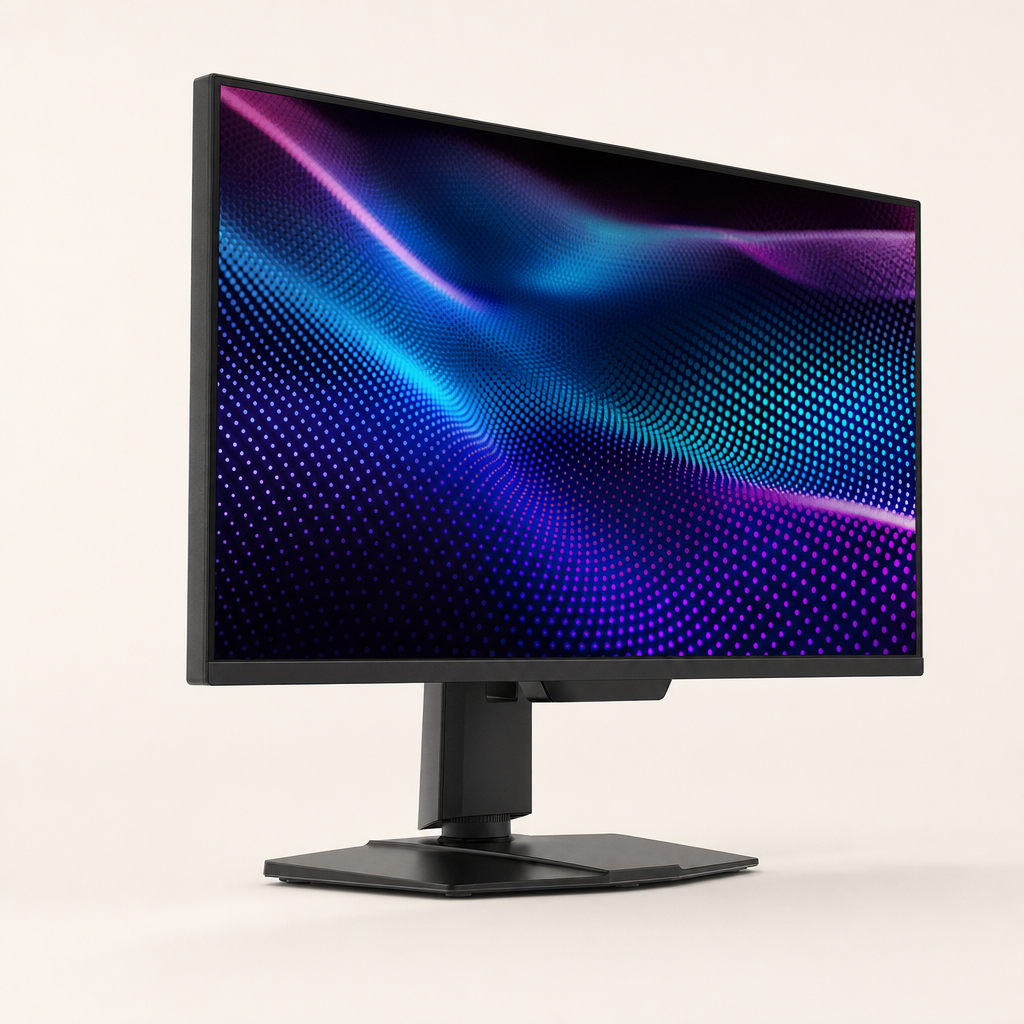 MSIMSI MAG 274QPF X30MV$320 | 06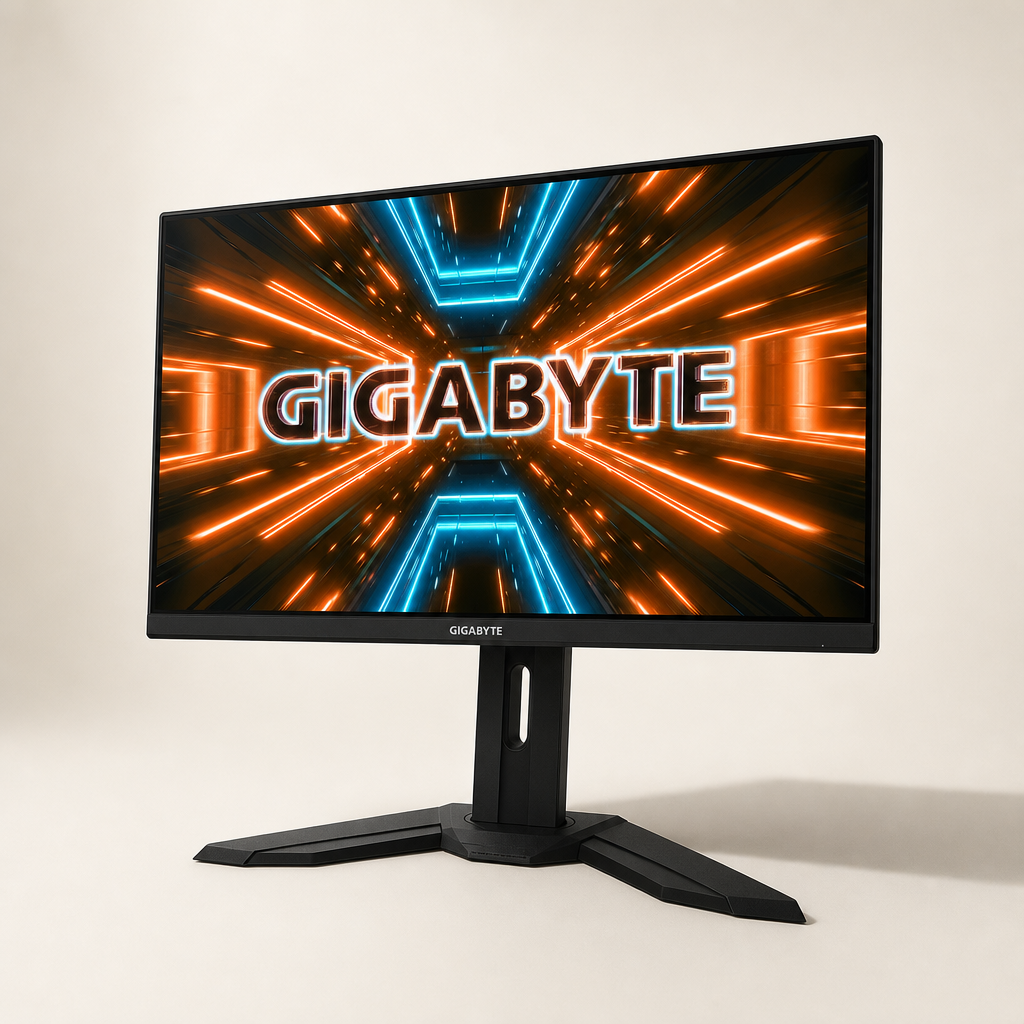 GigabyteGigabyte M32U$550 |
|---|---|---|---|---|---|---|
| Motion ClarityPriority 1 | 10.0240Hz with near-instant 0.03ms-class OLED transitions eliminates conventional ghosting and overshoot. | 9.0Fast IPS runs at 160Hz in 4K or 320Hz in 1080p; dual mode covers detail and speed. | 8.0144Hz VRR gives markedly cleaner scrolling and gaming than 60Hz creator monitors. | 5.560Hz and ordinary IPS response are adequate for editing, visibly behind 120Hz+ screens. | 8.0300Hz is exceptionally fluid; some dark VA transitions remain slower than OLED/fast IPS. | 7.5144Hz fast IPS is clean at high refresh; lower-refresh overdrive can show overshoot. |
| Color AccuracyPriority 2 | 9.0Factory Delta E≤2 target and about 99% DCI-P3 coverage. | 8.0Wide quantum-dot gamut and good factory tuning; professional work still benefits from calibration. | 9.0Calman Verified, factory ΔE<2 target, 100% sRGB and about 95% DCI-P3. | 9.5Factory ΔE<2 target with 99% DCI-P3 and 99% Adobe RGB coverage. | 8.0Quantum-dot gamut reaches roughly 97% DCI-P3; factory modes are good but calibration helps. | 8.0Strong sRGB performance and useful wide gamut; calibration improves professional accuracy. |
| Pixel DensityPriority 3 | 9.032-inch 4K provides about 140 PPI; text is sharp, though QD-OLED subpixels can show slight fringing. | 9.527-inch 4K provides about 163 PPI and excellent desktop sharpness. | 8.0109 PPI is crisp at normal desk distance and needs no scaling. | 9.527-inch 4K yields about 163 PPI for fine text and image detail. | 8.0109 PPI is well matched to typical 27-inch desk distance. | 9.032-inch 4K is about 140 PPI: sharp while remaining comfortable at normal distance. |
| Contrast & HDRPriority 4 | 9.5Per-pixel blacks and roughly 1,000-nit small highlights deliver true HDR; full-screen brightness is lower. | 9.51,152-zone FALD and HDR1400-class brightness create real highlight impact, with some blooming. | 5.0Conventional IPS contrast and DisplayHDR 400 do not constitute meaningful HDR. | 4.5Standard IPS contrast and DisplayHDR 400 without local dimming are SDR-first. | 9.5High VA native contrast plus 1,152 zones and HDR1000 produce deep blacks and bright highlights. | 4.0Roughly 1000:1 IPS contrast and ineffective local dimming make HDR400 cosmetic. |
| Reliability & ServiceabilityPriority 5 | 8.0Three-year burn-in coverage and fanless cooling are strong; permanent OLED wear and sealed construction remain. | 6.0No burn-in, but KTC’s US RMA/parts network is less established than Dell, ASUS or LG. | 8.0Three-year warranty and Zero Bright Dot policy; modular repair is still limited. | 8.0Three-year ProArt warranty; internal aluminum reinforcement, but no modular repair program. | 7.5Three-year-class MSI coverage and no burn-in; dense backlight electronics complicate repair. | 7.0Mature platform with broad ownership history; standard three-year-class regional warranty, little DIY repair. |
| Ergonomics & ConnectivityPriority 6 | 9.0Full stand, VESA, KVM, 90W USB-C, HDMI 2.1 and DP; excellent desktop integration. | 9.0Full aluminum stand, VESA, 65W USB-C, KVM, HDMI 2.1 and DP. | 9.5Full stand, VESA, 90W USB-C and four-port hub are exceptional near $350. | 9.0Full stand, VESA, 96W USB-C, DP daisy-chain and USB hub. | 7.5Adjustable stand, VESA, HDMI 2.1 and DP 1.4a; no USB-C docking. | 8.0Height, tilt, swivel, VESA, KVM, HDMI 2.1 and USB hub; weak USB-C power. |
| Uniformity & AnglesPriority 7 | 10.0OLED has excellent off-axis stability and no backlight bleed. | 8.0IPS angles are stable; local-dimming halos can appear around bright objects on black. | 8.0IPS viewing stability is strong; uniformity is suitable for prosumer work but sample-dependent. | 8.0Wide IPS angles; good prosumer uniformity, though no high-end compensation system. | 6.5FALD controls bleed well, but VA color/contrast shifts off-axis. | 7.5Good IPS viewing angles; black uniformity and glow vary by unit. |
| Weighted value | 9.0/ 10 | 8.3/ 10 | 7.8/ 10 | 7.6/ 10 | 7.3/ 10 | 6.7/ 10 |